
Find stone by photo
Seen a stone you like? Find the closest match in our range
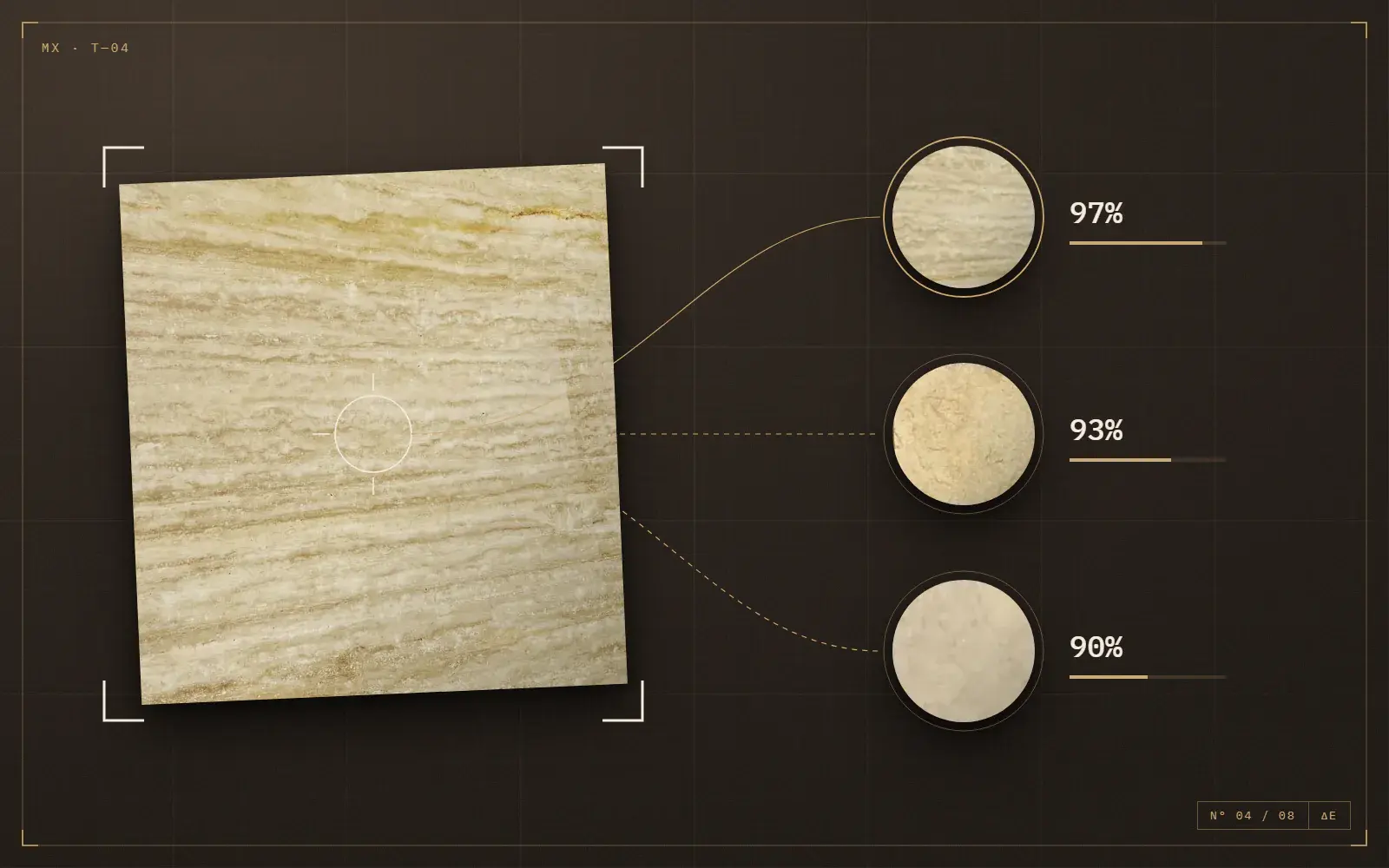
Open a photo of a marble, travertine or porcelain surface — from a hotel lobby, a catalogue or Instagram — and see the closest stones and tiles in our catalogue by colour, contrast and veining.
Analysed in your browser — the photo is never uploaded.
No photo to hand? Try one of these:
Visual similarity from photos only. Screens and cameras alter colour; always confirm with a physical sample.
How the match works
Read the surface
The centre of your photo is measured for colour, lightness, contrast and the strength and grain of the veining.
Compare
The same measurements were taken from every catalogue photo, so the nearest stones rise to the top.
Confirm
Open the product, then ask for a sample or current slab photos — a screen never shows stone exactly.
Photo search questions
Is my photo uploaded or stored?
No. The photo is read by your own browser, measured and compared there. Nothing is sent to our servers.
How accurate is the match?
It compares colour, contrast and veining, not the stone's name or origin, so it finds stones that look alike. Lighting and camera colour shift results, so confirm with a physical sample.
Can it identify the exact stone in my photo?
Not reliably — many quarries produce similar-looking stone. Use it to find the nearest stones we can supply, then compare samples side by side.
What photo works best?
A sharp, straight-on photo of the surface in daylight, filling most of the frame, without heavy filters or strong reflections.
Found something close?
Send us the product and your project size. We confirm availability and arrange samples or current slab photos.